 NG_Regens
NG_Regens Manager 26
Memory Reading Guide
This method reads regens and staff straight out of running Football Manager, with no shortlists to export. It supports FM26 and FM24, in parallel if you want, and the walkthrough applies to both — read any FM26 reference as FM24 where that is what you play.
- FM26 · FM24
- Windows only
- Reads memory while FM runs
There is a newer method
Memory reading is the older approach and runs on Windows only. The savefile reader reads your save directly, covers FM26, FM24 and FM23, and works on Windows, Mac, Linux and Steam Deck. Use this guide if you specifically want memory reading.
Video tutorial
You can follow along in the video version: Watch the memory reading walkthrough ↗
Download the picture pack
Grab the combined player and staff facepack before launching the manager.
Main Player and Staff Pack
Reuse your NG_Regens 25 pack, or take the latest archive with the staff portraits included.
Download NG_Regens_MainPack.zipWhere the pack goes
Your FM26 graphics folder is the same place you keep any real-world logo or face pack. For most setups it lives at Documents\Sports Interactive\Football Manager 26\graphics\.
Unzip NG_Regens_MainPack.zip there and you will get Documents\Sports Interactive\Football Manager 26\graphics\NG_Regens\ — that is the folder to point the setup wizard at.
Install NG_Regens Manager 26
Download and run the installer, then come back here.
Let it reach ngregens.org
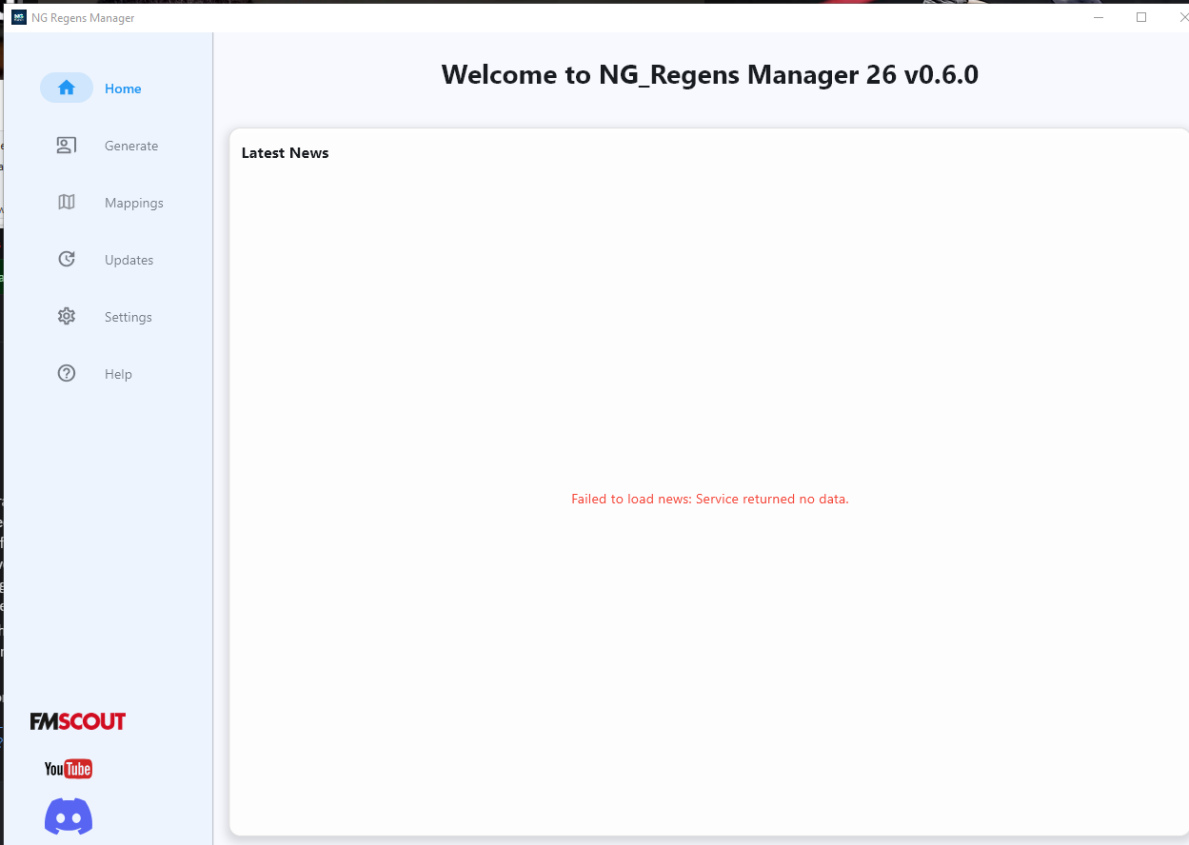
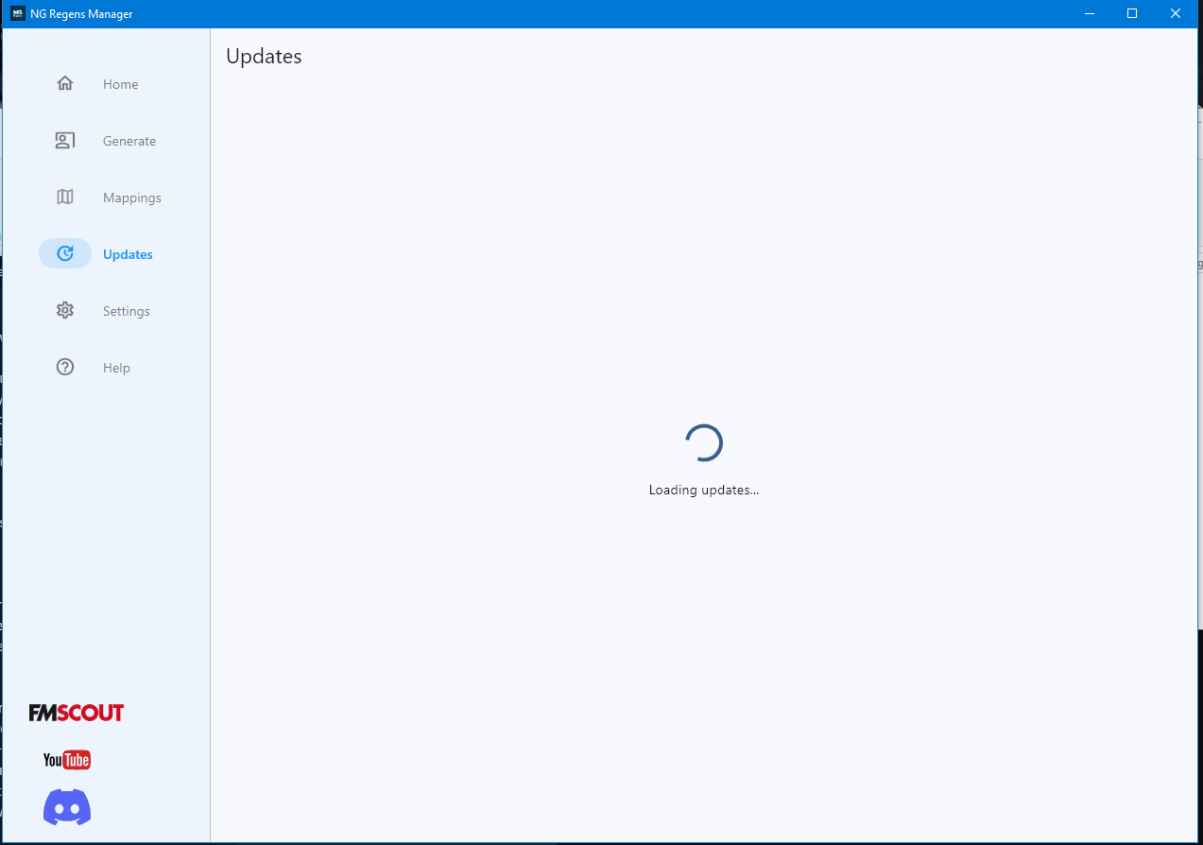
Sports Interactive is patching the game frequently, so NG_Regens Manager fetches the latest memory settings from the ngregens.org servers. Without them the scanner will not run properly, so check that your firewall or antivirus is not blocking it. If the news section or updates page fails to load, as in the screenshots below, this is what is happening. Once SI slows down its update pace these values will be built into the software.
Link your save and generate assignments
-
Create a profile
Launch Football Manager 26, load the save you want to populate, and leave the game running in the background.
Back in NG_Regens Manager 26, click Generate to open your profile list. Use Add Profile, give it any name, select FM26 as the profile type, then hit Create.
-
Activate the profile
Highlight the profile you just created and choose Activate this profile to open the activation wizard.
-
Pick direct reading
In the wizard, pick the first option to read everything directly from Football Manager 26.
-
Start Memory Scan
Click Start Memory Scan to harvest player and staff data from your running save.
-
Crashes right after Start Memory Scan?
You are probably missing the Microsoft Visual C++ Redistributable. Install the latest supported version from Microsoft: Download the VC++ redistributable ↗
-
Generate & Activate
A successful scan shows totals for players and staff. Press Generate & Activate to build the config file and push the assignments in one go.
-
First load can take a while
Restart Football Manager 26 and load back into your save. If FM26 seems frozen on the loading screen, it has hit an FM26 bug where the first start with new pictures can take up to 15 minutes. Let it work — it will come to life, and every later load should be close to normal.
-
Repeat scans
Whenever you need more faces — a new youth intake, a new season — repeat the same steps. The wizard adds one extra choice for handling the assignments you already have:
Memory scan workflow
FM26 only fills the memory region this scanner reads when a save is loaded. If you play on and get a youth intake in the same session, those new players will not appear in memory until you load the save again.
So the working order is: play until your youth intake → save → quit to the start screen → load the save → run a Preserve mode generation → reload FM26.
Why youth intake players start with the wrong photos
FM recycles player IDs, and FM26 does it aggressively. An Italian newgen with ID 123456 appears at an Italian club and gets an Italian face. He goes unsigned, is released on a free and retires. At the next youth intake a Nigerian newgen turns up with ID 123456 — a completely different player, but ID 123456 still maps to that Italian picture, so he inherits the Italian face.
The software detects these cases and reassigns the right pictures, but only on the next memory scan — and the reload note above still applies. This happens in FM24 too, just far less often.